# How to grant a user access to an Azure App
If the App has been created like described in How to create an App in Azure AD (SAML, SSO) there is a group the user needs to be assigned to in order to gain access to the application.
# Currently Available Security Groups
| Group Name | Application it grants access to |
|---|---|
sec.docs.internal | Our internal documentation (this website) |
sec.giffits.marketing-suite-dev | Marketing Suite - Development Environment |
sec.giffits.marketing-suite-prod | Marketing Suite - Production Environment |
sec.giffits.digital-agency-dev | Digital Agency - Production Environment |
sec.giffits.digital-agency-prod | Digital Agency - Production Environment |
# Adding a user to a group
Head over to the Azure Portal (opens new window) and sign in with an user with sufficient privileges
Navigate to
Groups(if not visible try the search field in the header navigation bar)
Search for the group you want to add a user to and click on it in the list

Click on
Membersin the menu on the left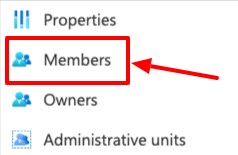
Click on
Add members
Search for the user you want to add to the group and click on the user
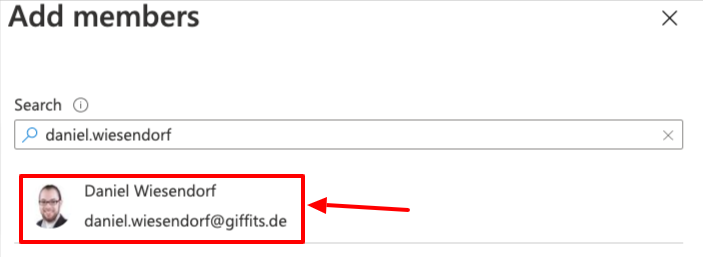
Click on
Select
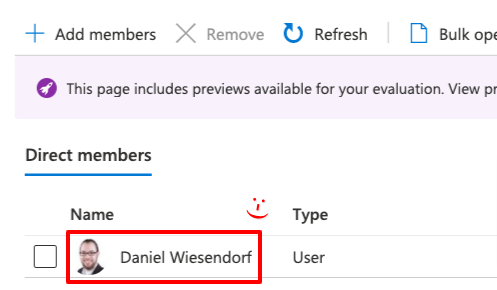
The user should have been added to the list now. Done!